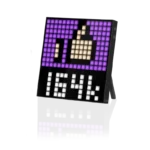
Divoom Pixoo – Pixel Art Digital Picture Frame with 16×16 LED Display APP Control – Cool Animation Frame Wall/Desk Mount for Gaming Room & Bedside Table -Black
$45.99
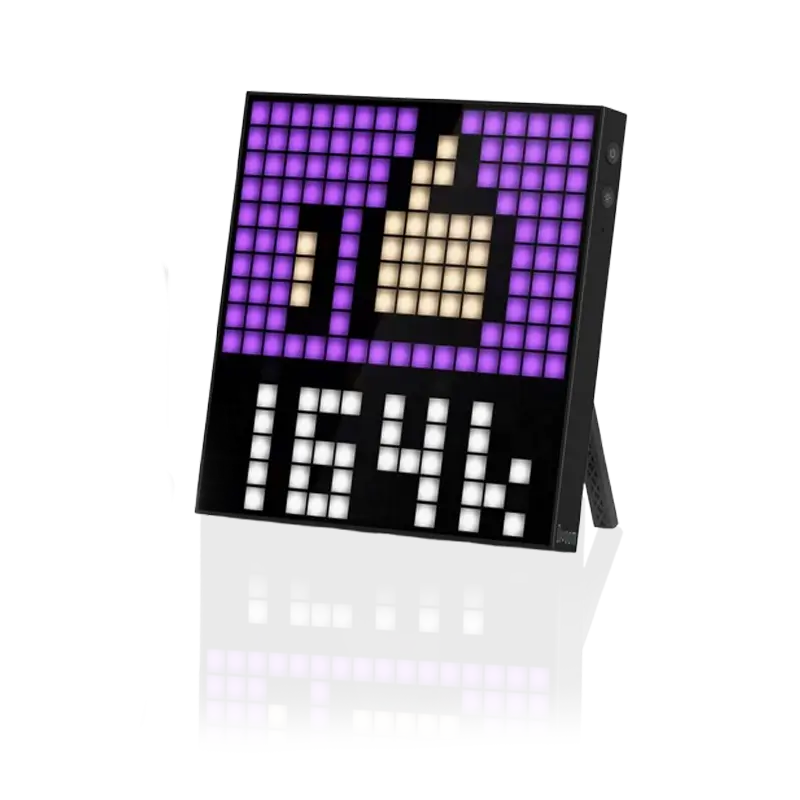
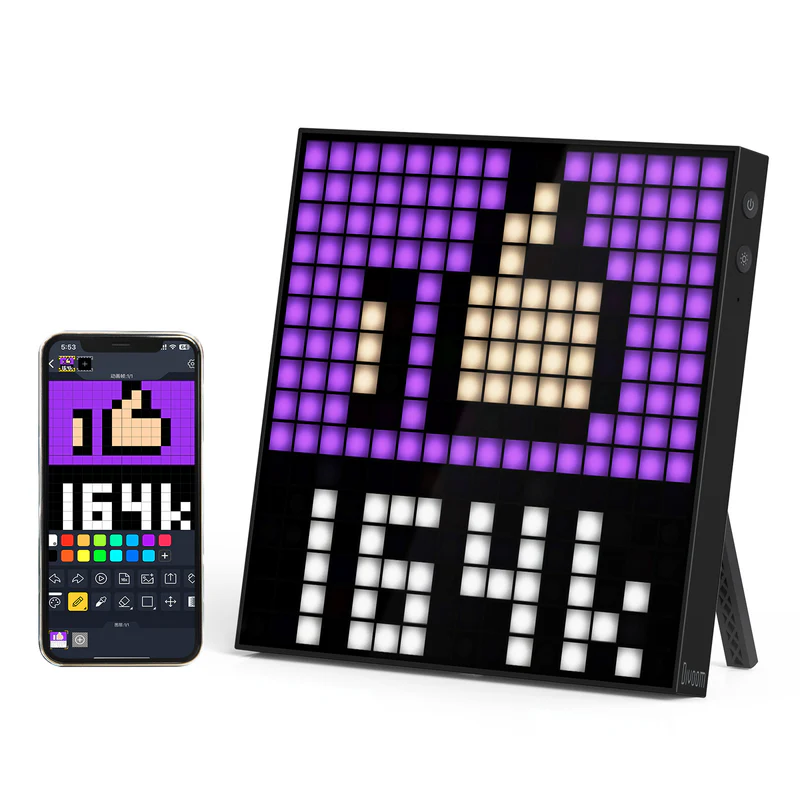
- 16×16 pixel LED WiFi display
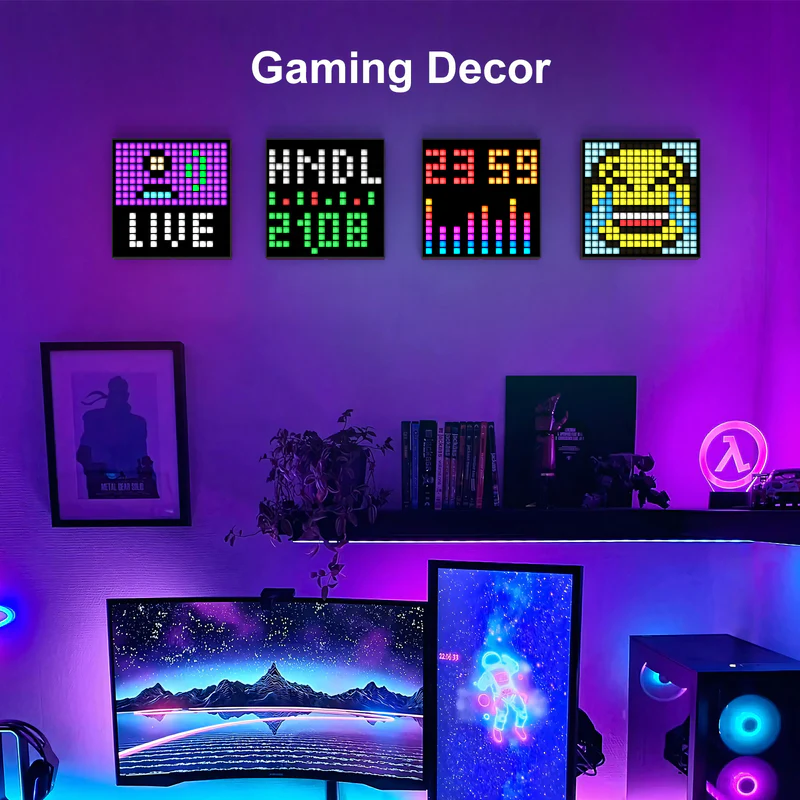
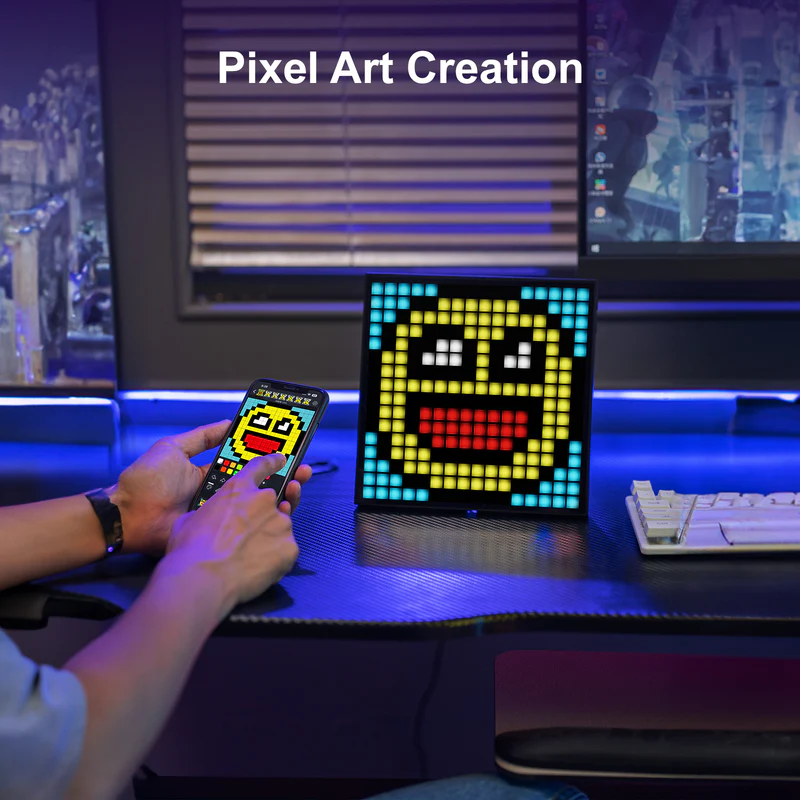
- Custom pixel art, GIFs & animations
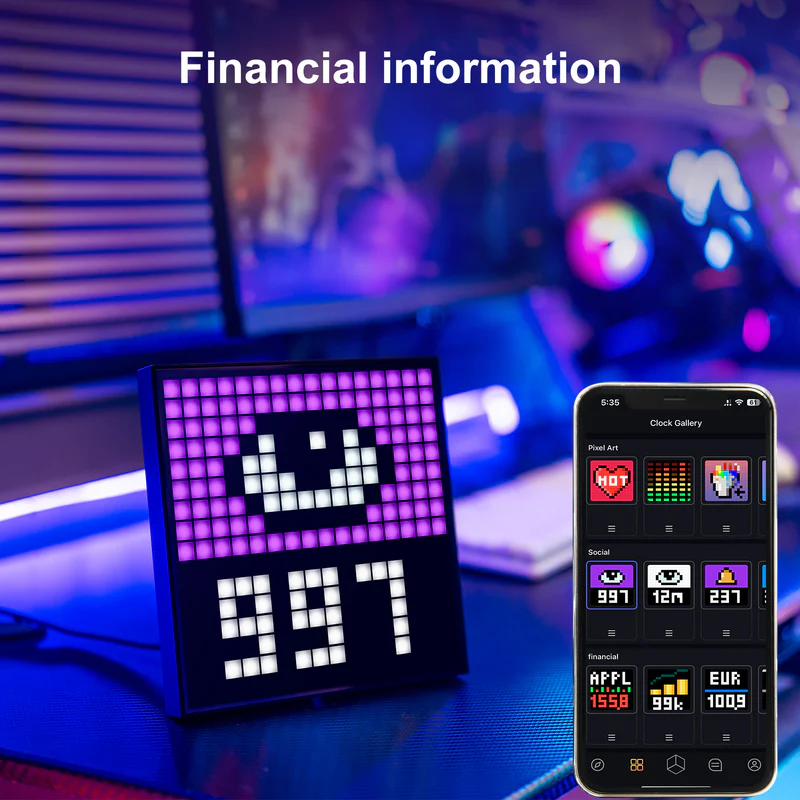
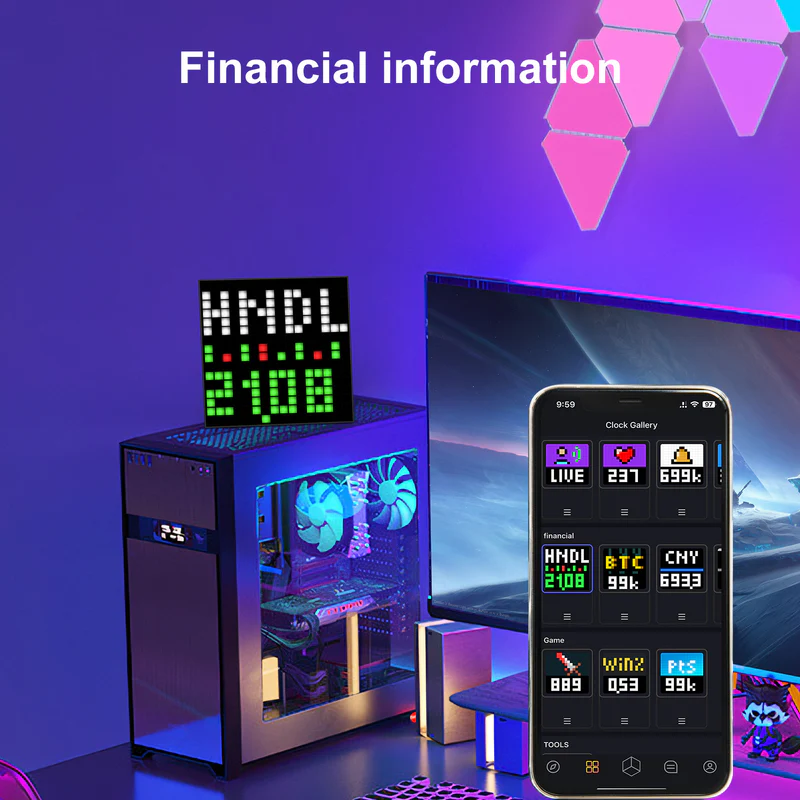
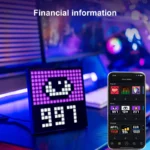
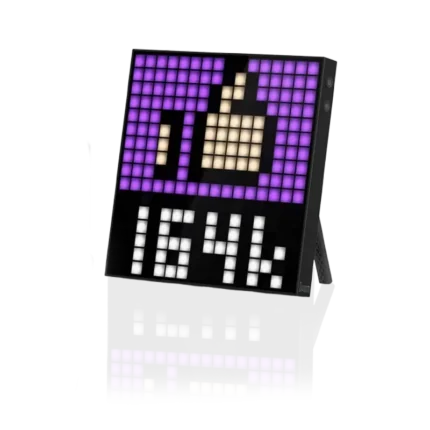
- Visual notifications from social media
- Built-in sleep aid & alarm functions
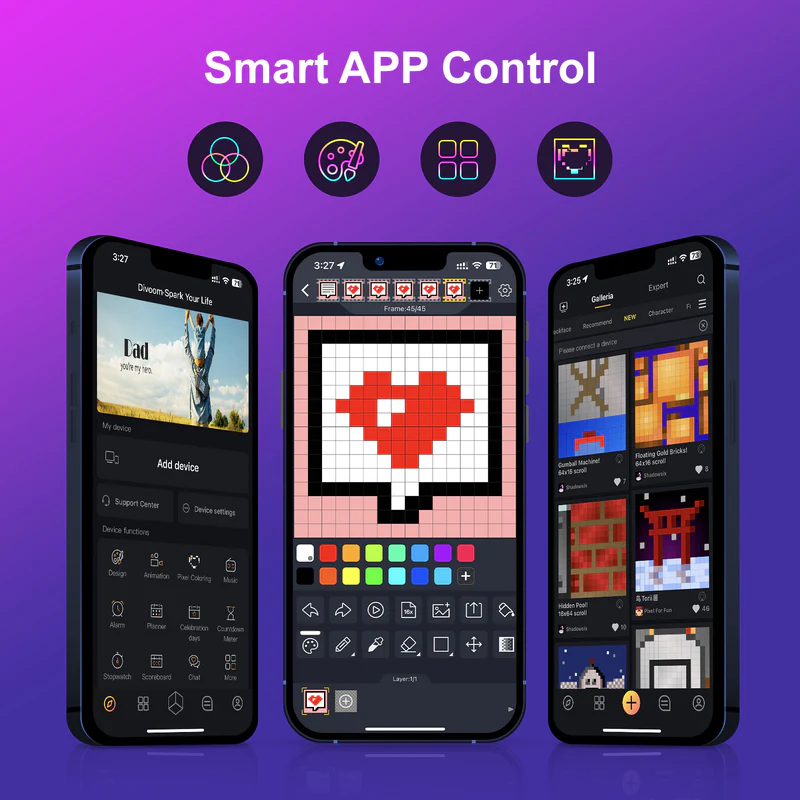
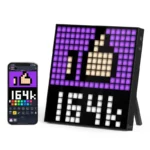
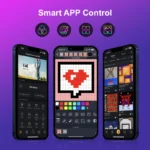
- Controlled via the Divoom mobile app
- USB-powered, compact and lightweight
Product Description
Step into the world of pixel-powered creativity with the **Divoom Pixoo 16 WiFi Pixel Art Frame**. Featuring a compact 16×16 LED grid, this smart display blends visual charm with real-time function. Whether you’re setting alarms, creating digital art, or displaying notifications from your favorite apps, Pixoo 16 adds both personality and utility to any space. Control it all via the Divoom app—from designing pixel masterpieces to syncing social alerts. At **Findnexora**, we bring you innovative tech that lights up your space and your imagination.
Share This Items :
Product Gudie
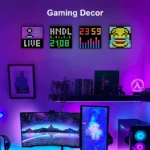
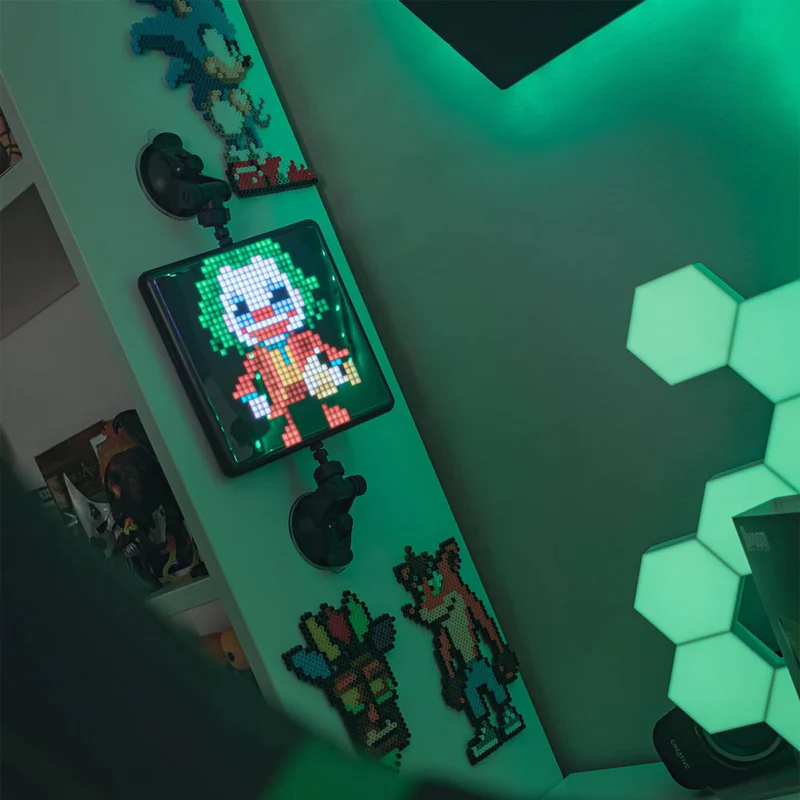
Plug in the Pixoo 16 and connect it to WiFi using the Divoom app. From the app, create or download pixel designs, set scenic wake-up visuals, or turn it into a mini-notification hub. Use it for calming sleep routines, time displays, or showcasing your own animations. With its compact size and easy wall/desk setup, it fits perfectly in any bedroom, gaming room, or creative workspace. At **Findnexora**, we make smart decor simple, expressive, and fun.

Share This Items :
Got Questions About This Product?
Does the Pixoo 16 support real-time notifications?
Yes. You can set it to show alerts for messages and social media activity via the Divoom app.
Can I upload my own pixel art or GIFs?
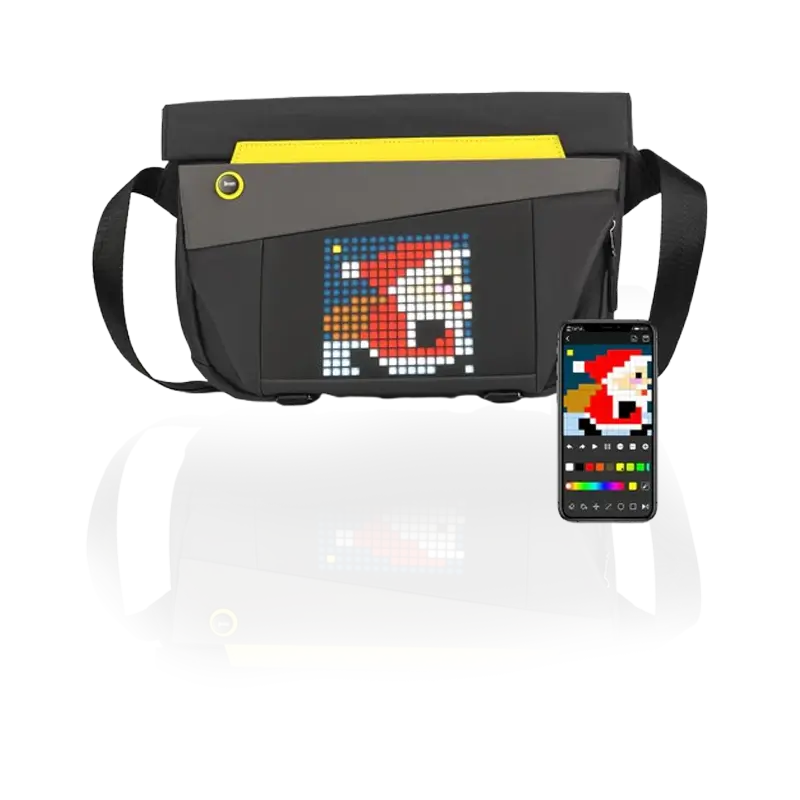
Absolutely. You can draw directly in the app or convert photos, GIFs, and MP4s into pixel animations.
Is it WiFi or Bluetooth?
The Pixoo 16 connects via **WiFi**, which allows for better syncing with live data and cloud services.
Can I use it as a clock or alarm?
Yes. It features built-in digital clocks, alarms, and even sleep-aid light visuals.
Is it easy to set up?
Very. Just plug it in via USB, connect to WiFi, and use the app to fully control your display.
Similar Products